Where can I buy coins?
Coins are needed to purchase resources in the game, as well as for buying items in the store. To buy coins:
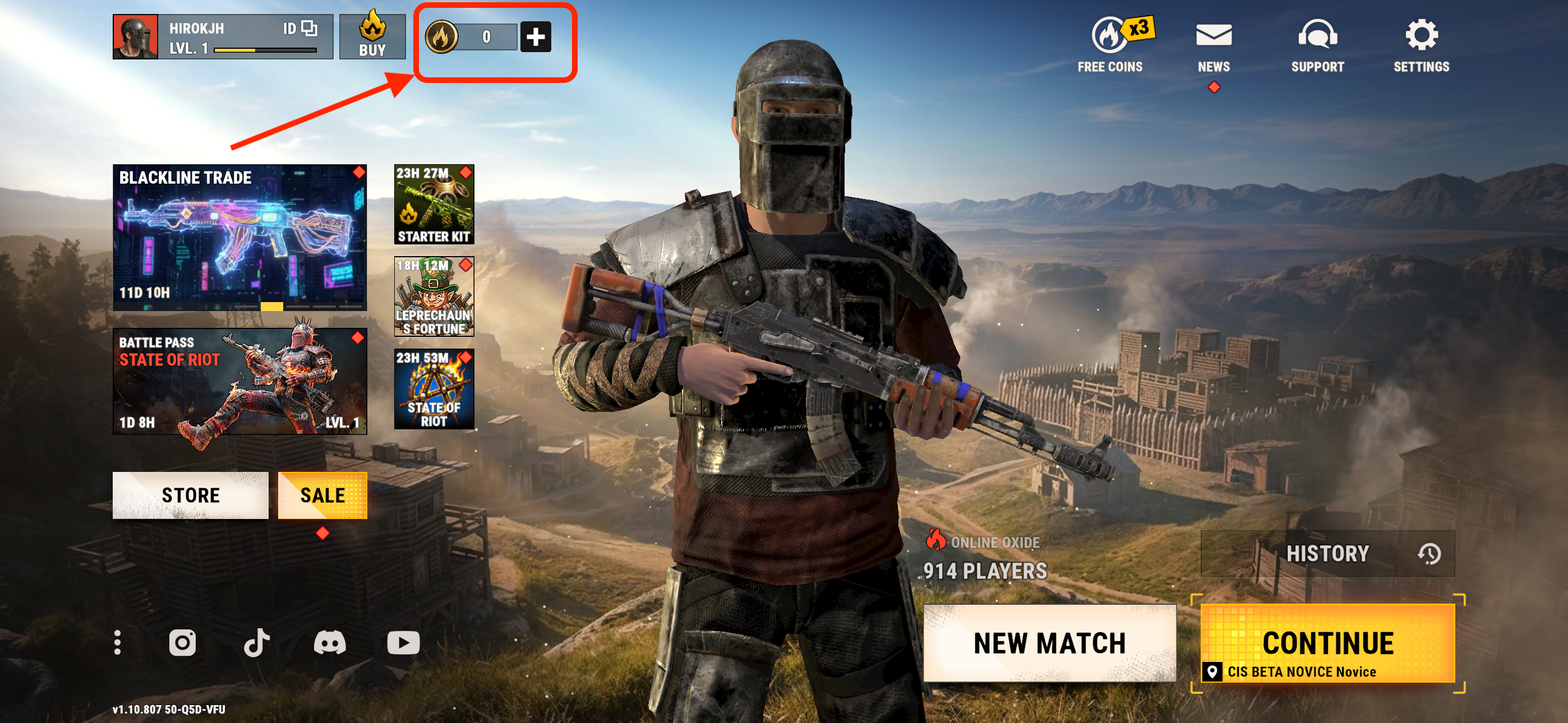
- On the main screen, tap the "coins icon" in the top-left corner.
- Choose the offer that suits you
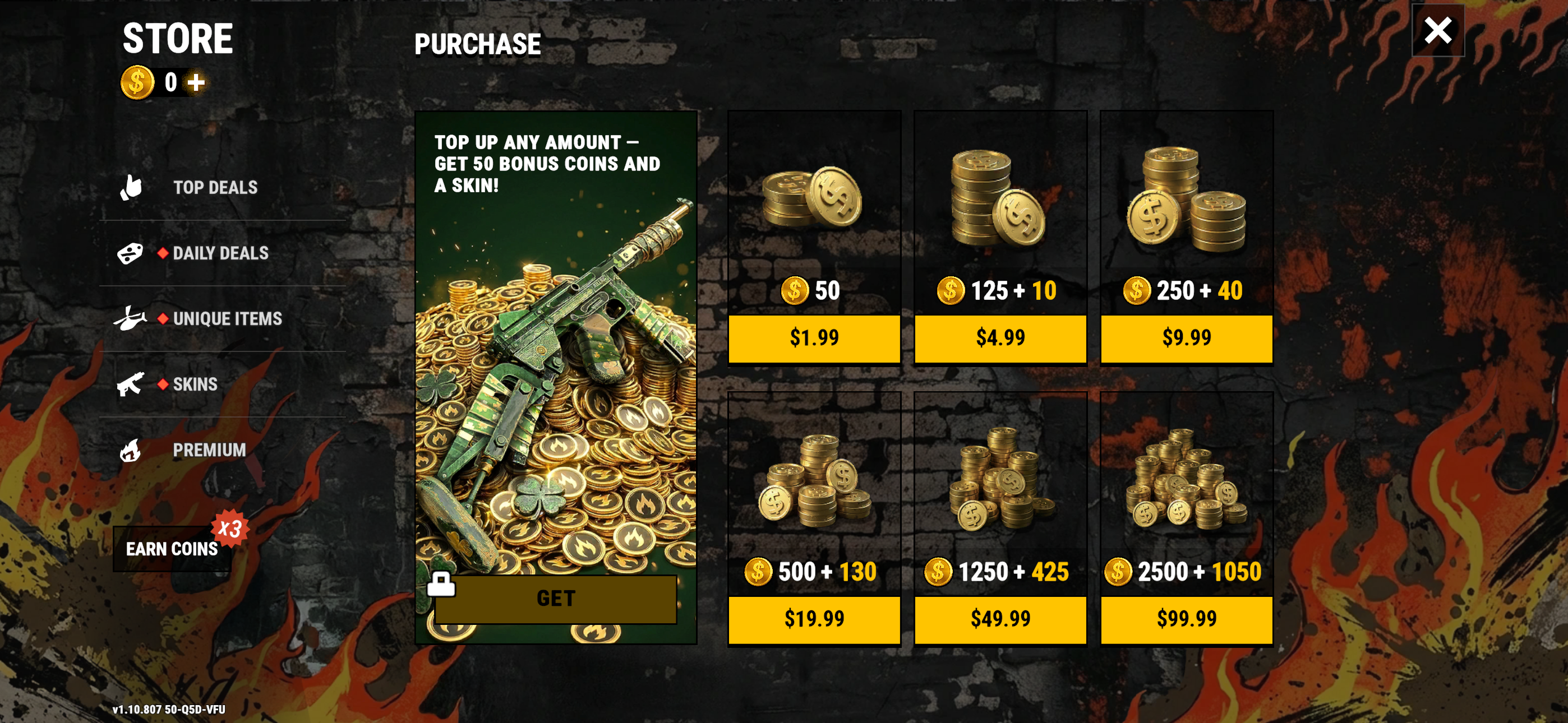
- Confirm the purchase on your device
- After that, the coins should be credited to your account
You can also buy coins directly in-game:
- Tap the in-game coin purchase button
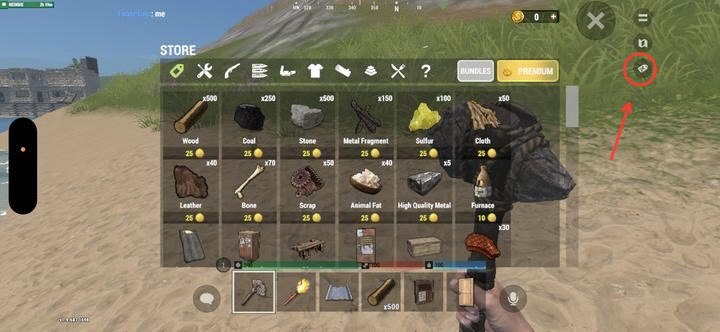
- Open the resource store
- Tap your coin counter
- Select the offer that suits you
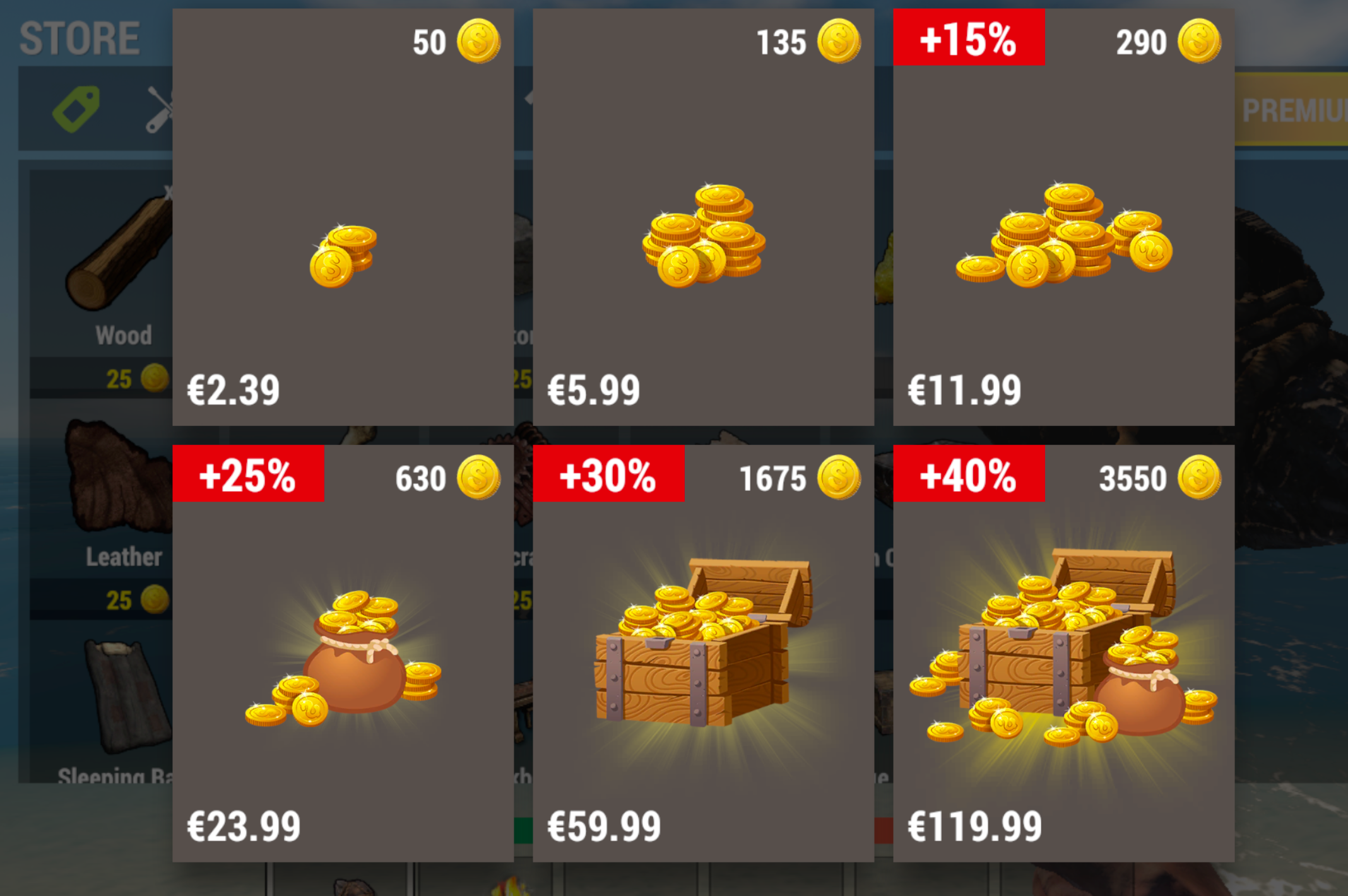
- Confirm the purchase on your device. After that, the coins should be credited to your account
Was this helpful?